Guide / Node.js and PostgreSQL
Deploy a Node.js task board with PostgreSQL
Deploy the PostgreSQL-backed Node.js task board from GitHub. Create the database and app in the same project, environment, and region, then verify that a task survives a new app process.
Before you start
Create a fork of the sample repository, sign in to Resilis, and connect a GitHub account that can access your fork. Keep the database private. Do not use production or unrelated data for this sample.
Create a private PostgreSQL database
In your project, select Create Database. Choose PostgreSQL 17 and name the database taskboard. Select a region and capacity that fit your needs. Keep public network access disabled. The verified example used the Development environment and Resilis Cloud EU.
When the database shows Running, open it and select Connections, then Internal. Select Copy connection URI there. Keep the value private.
Create the app in the same project, environment, and region as the database. This lets the app use the internal database connection. If you select a different environment or region, the internal service name may not resolve.
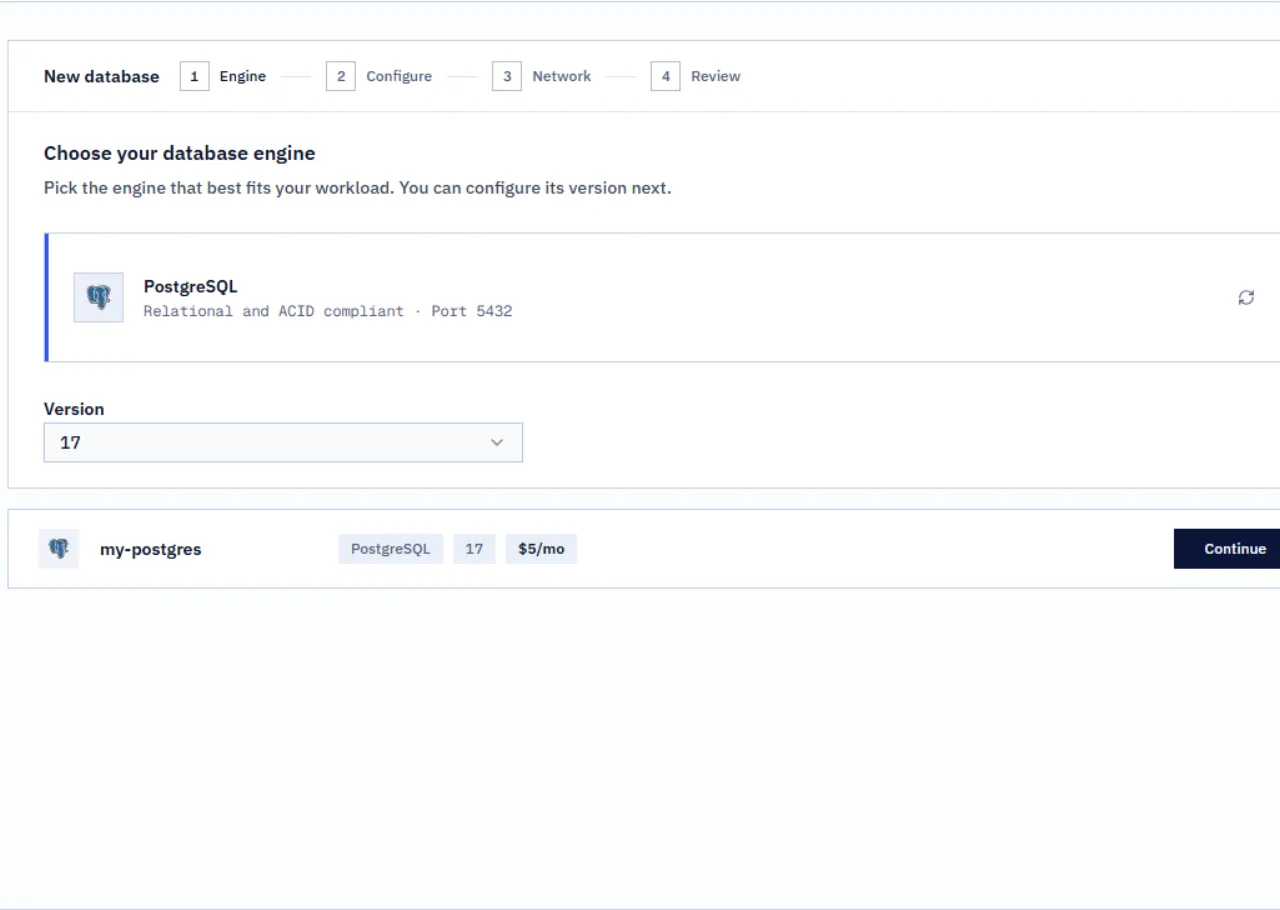
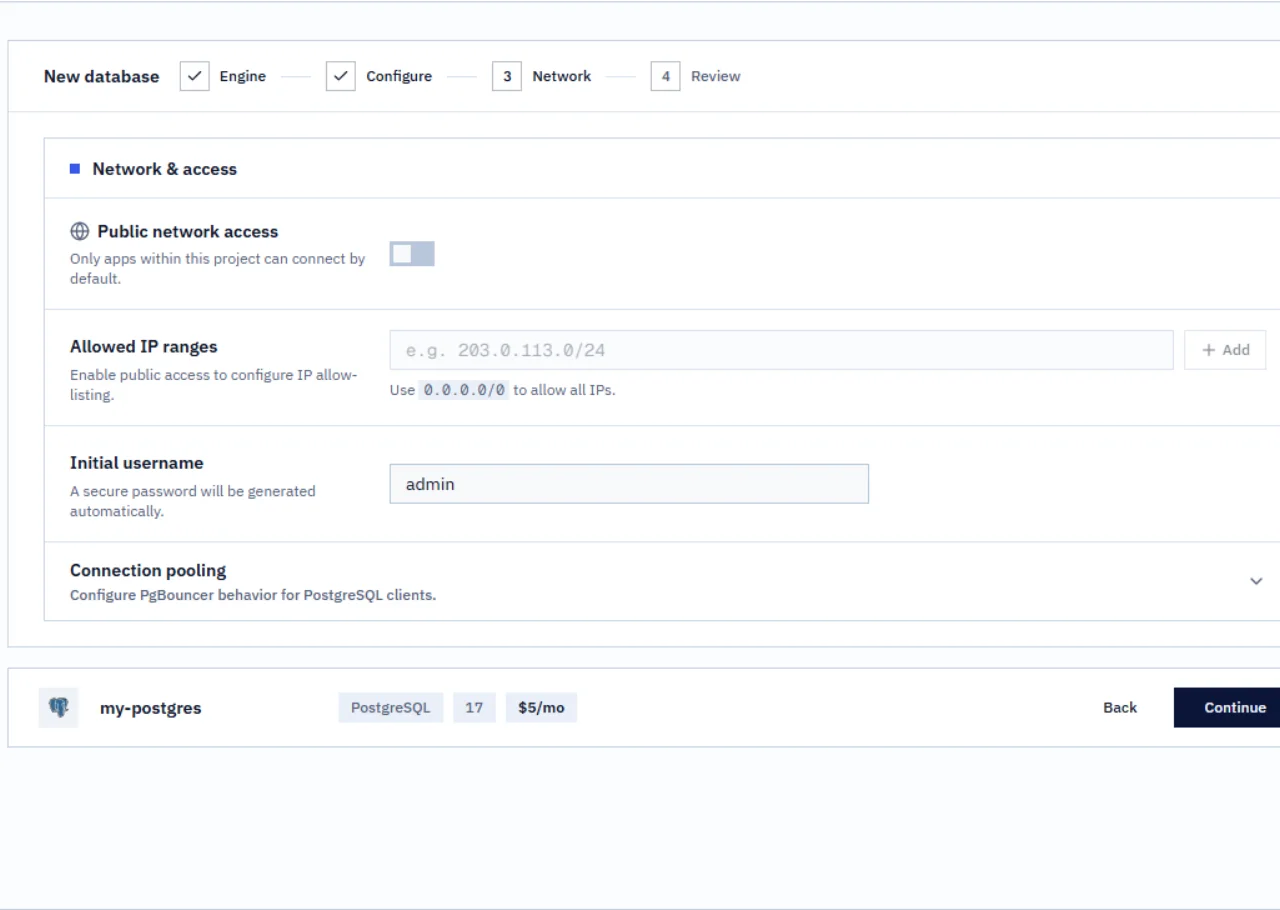
Select the app source and target
Create an app from your fork of resilis/nodejs-postgres-task-board and select the main branch. Set the app root to a single dot (.). Choose the same project, environment, and region that you used for the database. In the verified example, both resources used the Development environment in Resilis Cloud EU. The sample listens on port 3000, and its Dockerfile exposes that port.
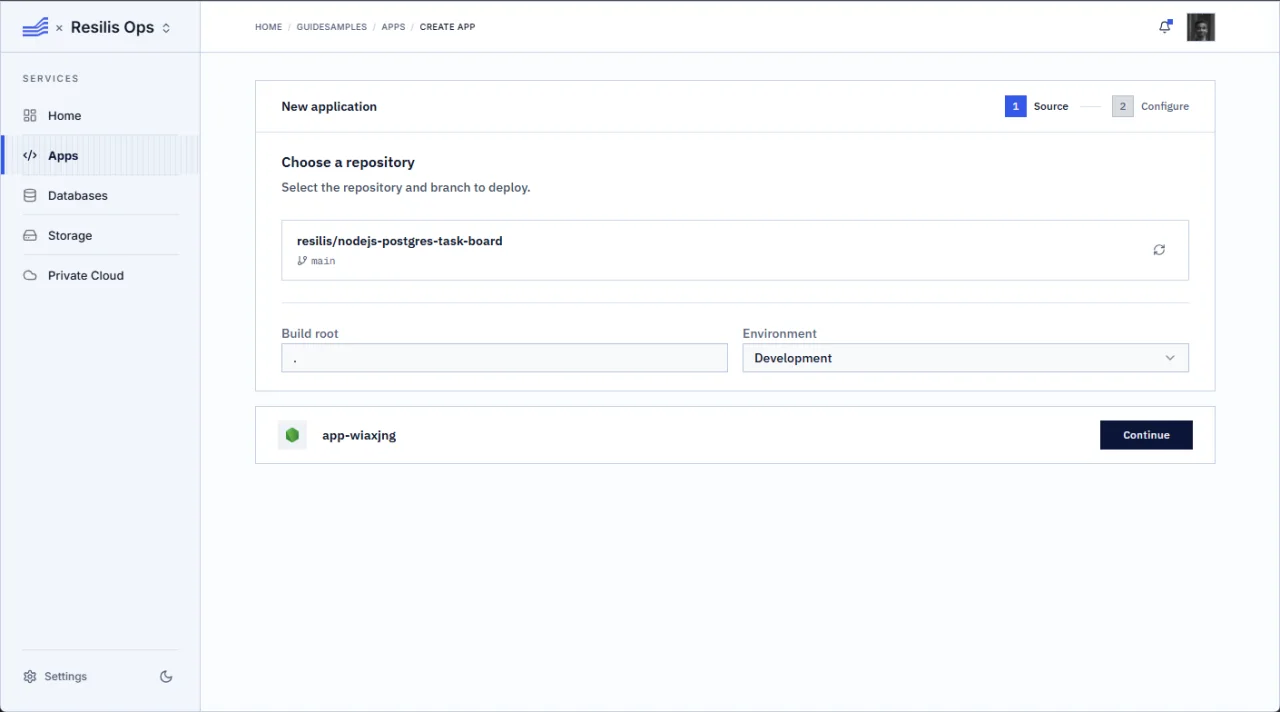
Configure the Dockerfile build
Choose Dockerfile and keep the Dockerfile path set to Dockerfile at the repository root. Leave install, build, and start command overrides empty. The sample Dockerfile exposes port 3000.
Add the database connection as a secret
Paste the connection URI you copied into a DATABASE_URL variable. Turn on the Secret option before you paste it. Keep the URI out of source control, logs, shell history, screenshots, and this guide. Set PORT to 3000 and DEMO_READ_ONLY to false while you test edits. The app must fail to start if PostgreSQL is unavailable; it does not fall back to memory storage.
Other app variables
PORT=3000
DEMO_READ_ONLY=false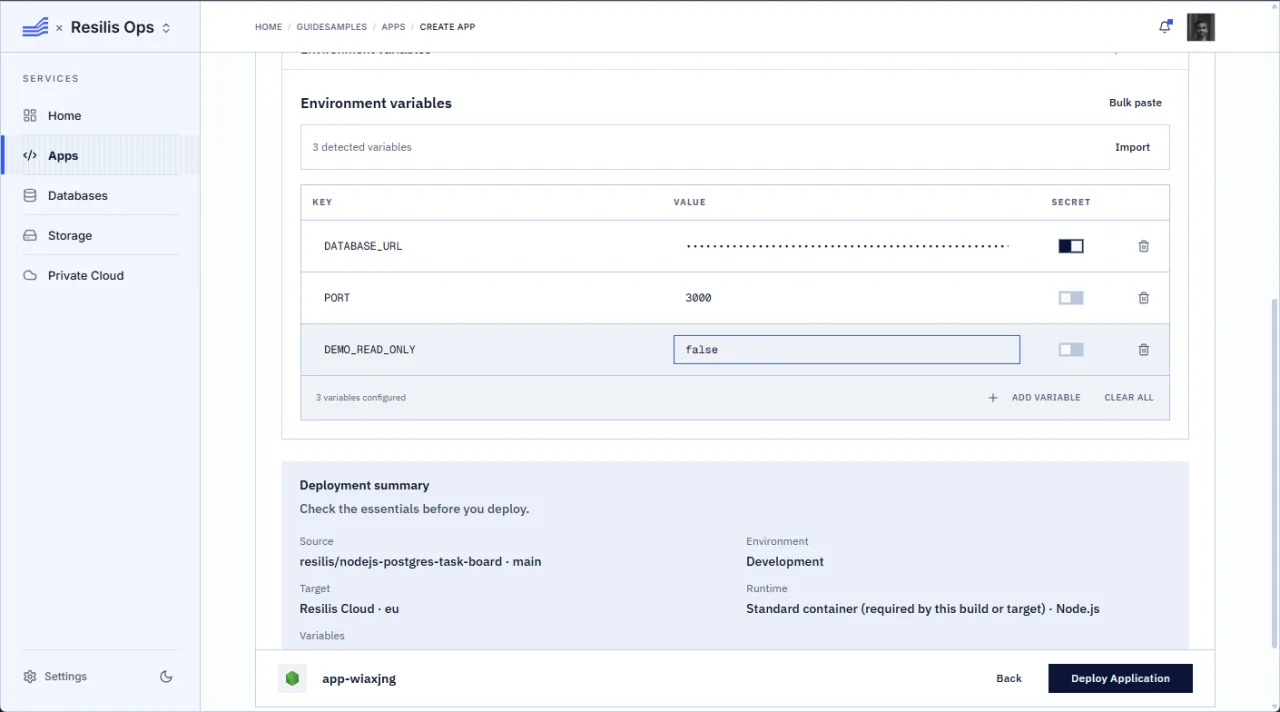
Deploy and check readiness
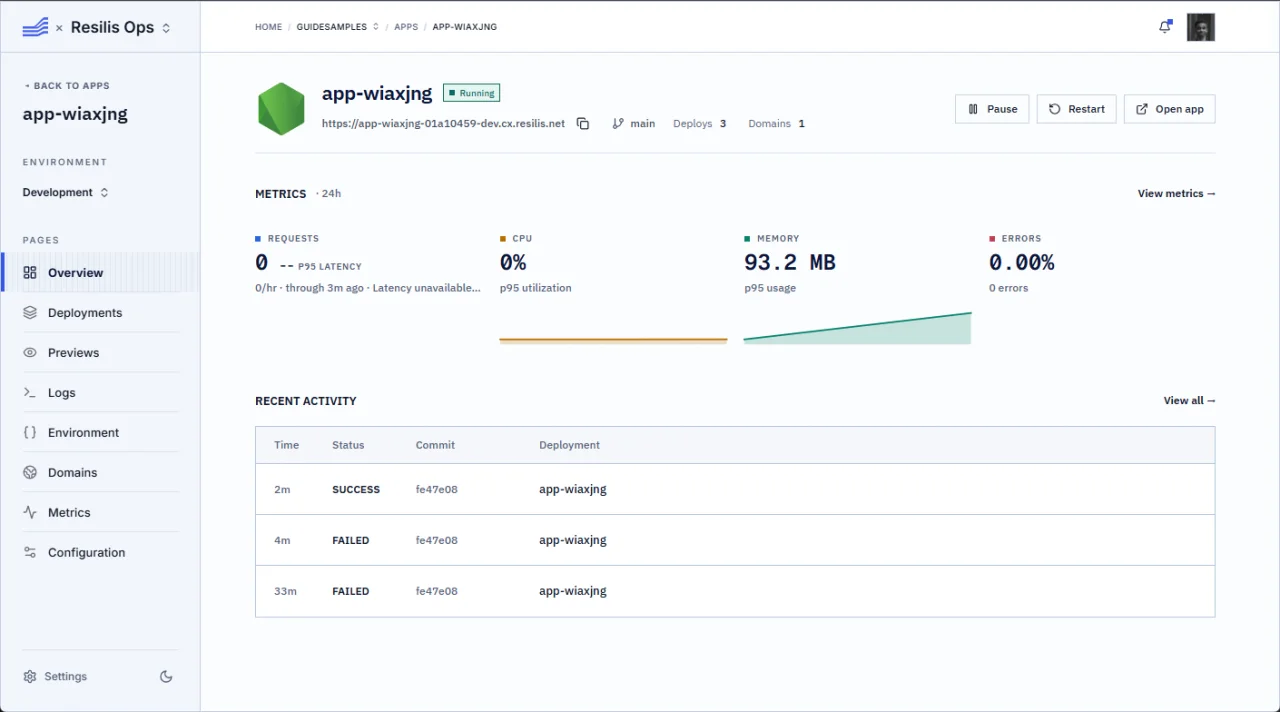
Select Deploy Application and wait for Running. Open the app URL and visit /ready. It should report ready with PostgreSQL storage. If the app is not ready, check that the database is private but available to this app, that DATABASE_URL is a secret containing the internal connection URI, and that PORT is 3000.
Readiness endpoint
/readyVerify persistence across a rebuild
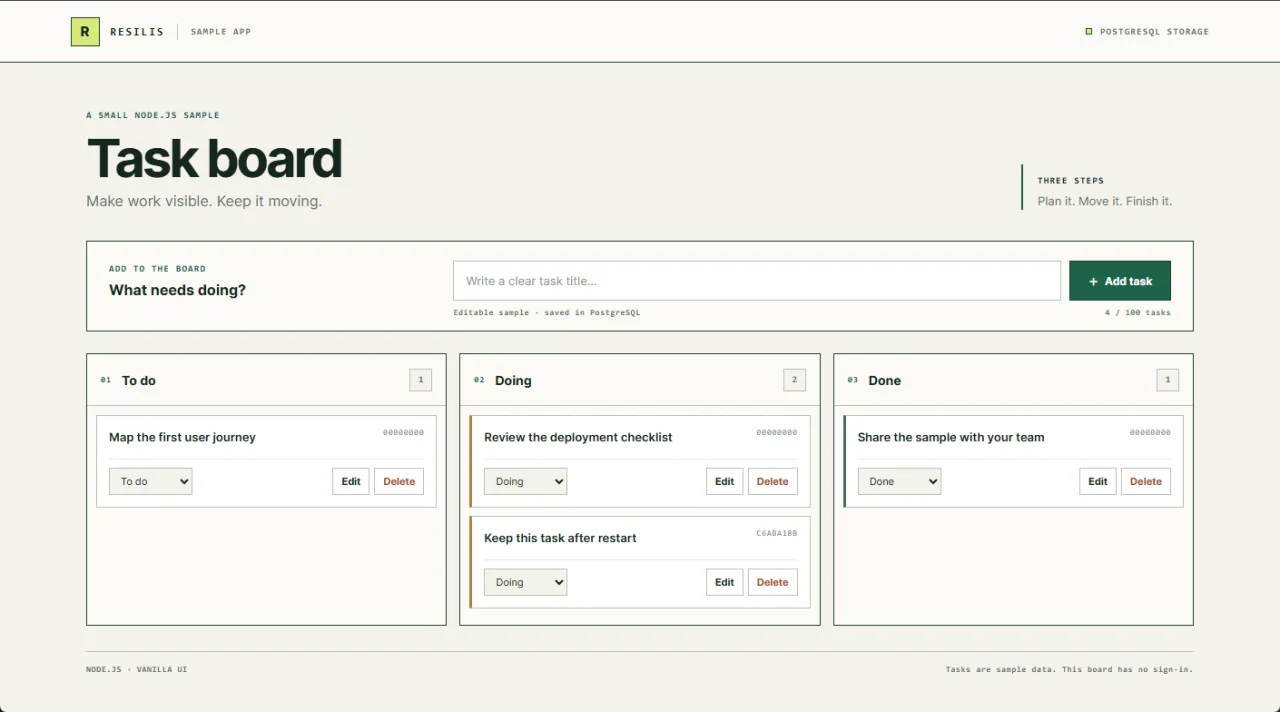
Create a task called Keep this task after restart and move it to Doing. Open Configuration, choose Build, and select Rebuild. This replaces the app process while leaving the database in place. Wait for the deployment to succeed, reopen the app, and confirm that the same task is still in Doing.
Make a shared demo read-only
After the persistence check, set DEMO_READ_ONLY to true. Turn off Redeploy current image before saving, then choose Save. Open Configuration, choose Build, and select Rebuild to apply the saved value. Check GET /api/config for read-only mode. Confirm that POST, PATCH, and DELETE requests return HTTP 403 and leave the task list unchanged. The shared demo is read-only; your own fork stays editable.