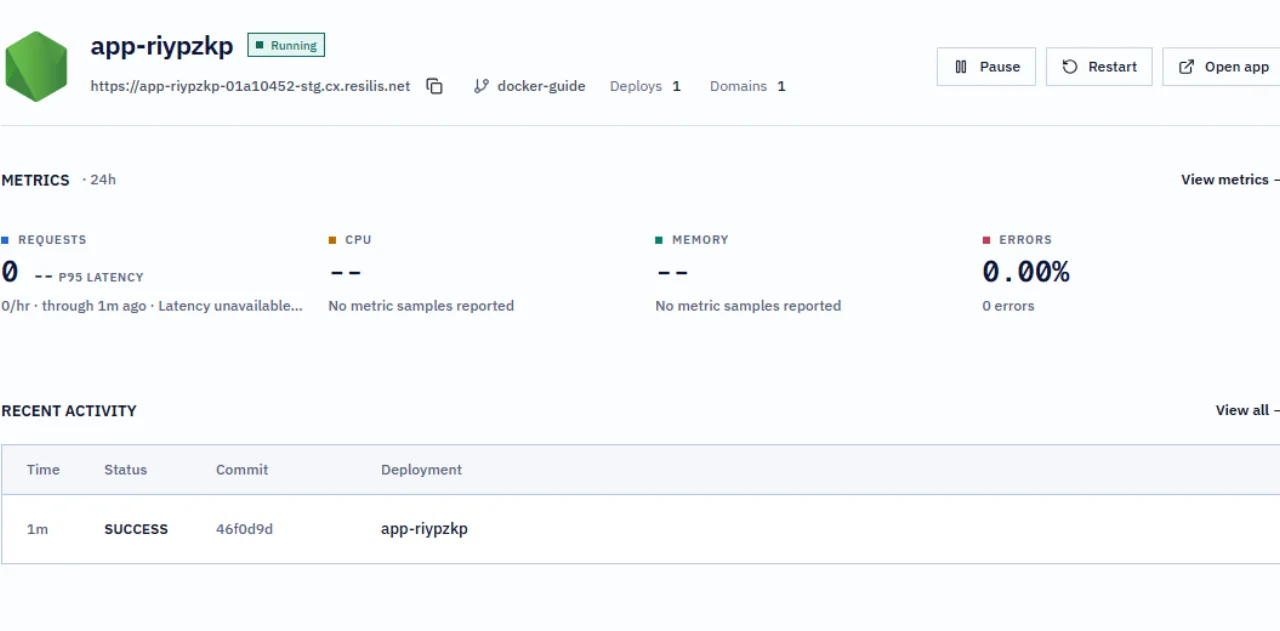
Guide / Docker deployment
Deploy a Docker app from GitHub
Deploy the public Node.js task board with its Dockerfile. This sample stores tasks in memory, so a restart restores its three starter tasks. Use the PostgreSQL sample when task data must persist.
Before you start
Create a fork of the sample repository, sign in to Resilis, and connect a GitHub account that can access your fork. The docker-guide branch contains the Dockerfile walkthrough.
Select the source and target
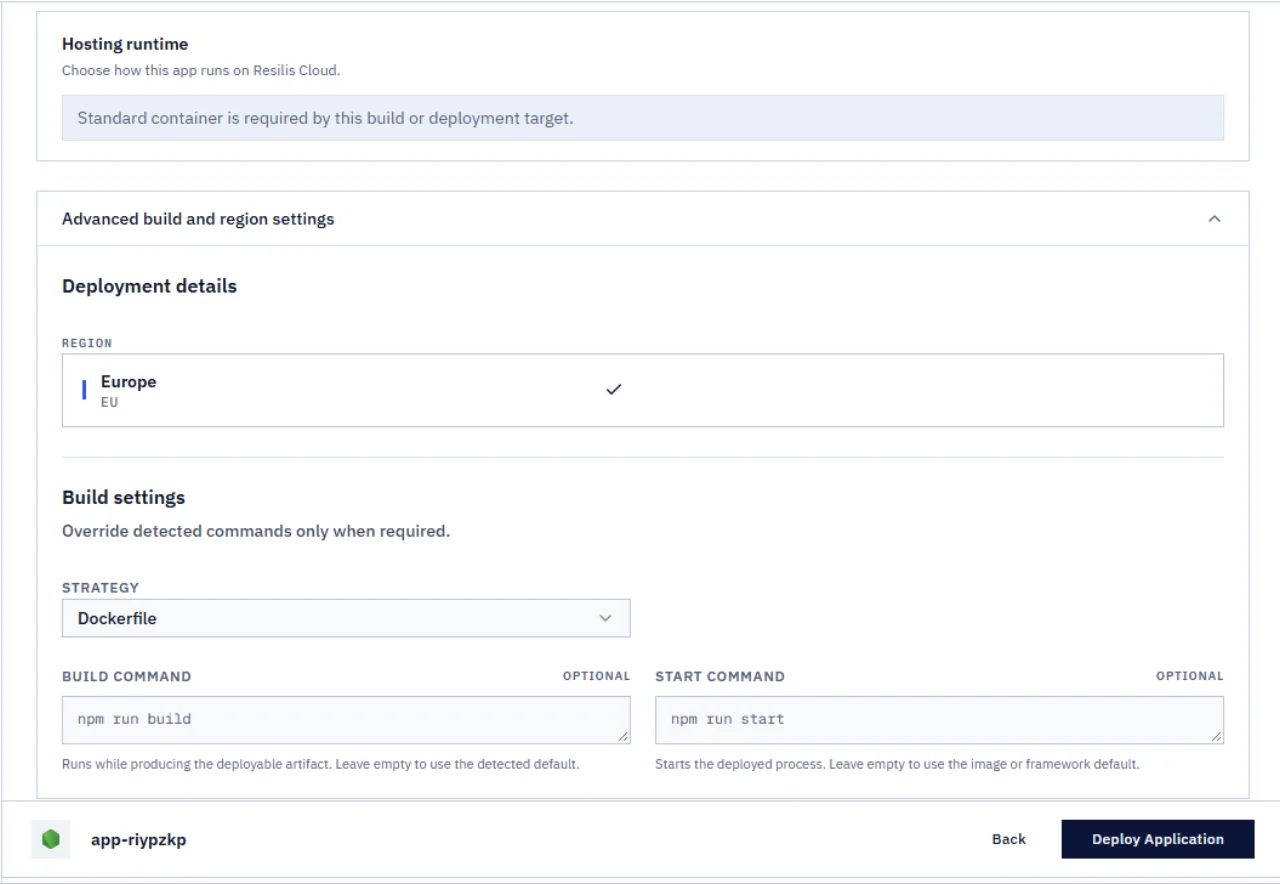
If you already deployed main to Development, add a Staging instance to the same app. Select docker-guide so each environment tracks its own branch. Otherwise, create an app from your fork and select docker-guide with Staging. Set the app root to a single dot (.). The verified target was Resilis Cloud EU; select an available target in your account.
Configure the Dockerfile build
Open Configure and select Advanced build and region settings. Choose Dockerfile. Leave the build and start command overrides empty so Resilis uses the commands in the Dockerfile. The checked-in Dockerfile runs the app as a non-root user.
Set the app variables
Use Import to add the detected variable names. Import adds names only. Set PORT to 3000 and DEMO_READ_ONLY to false while you test your own editable deployment.
Editable deployment
PORT=3000
DEMO_READ_ONLY=false
Deploy and check the app
Select Deploy Application and wait for the deployment to show Running. Open the live URL and visit /ready. The endpoint reports ready with memory storage. Add a task and move it to Doing to check the board.
Readiness endpoint
/ready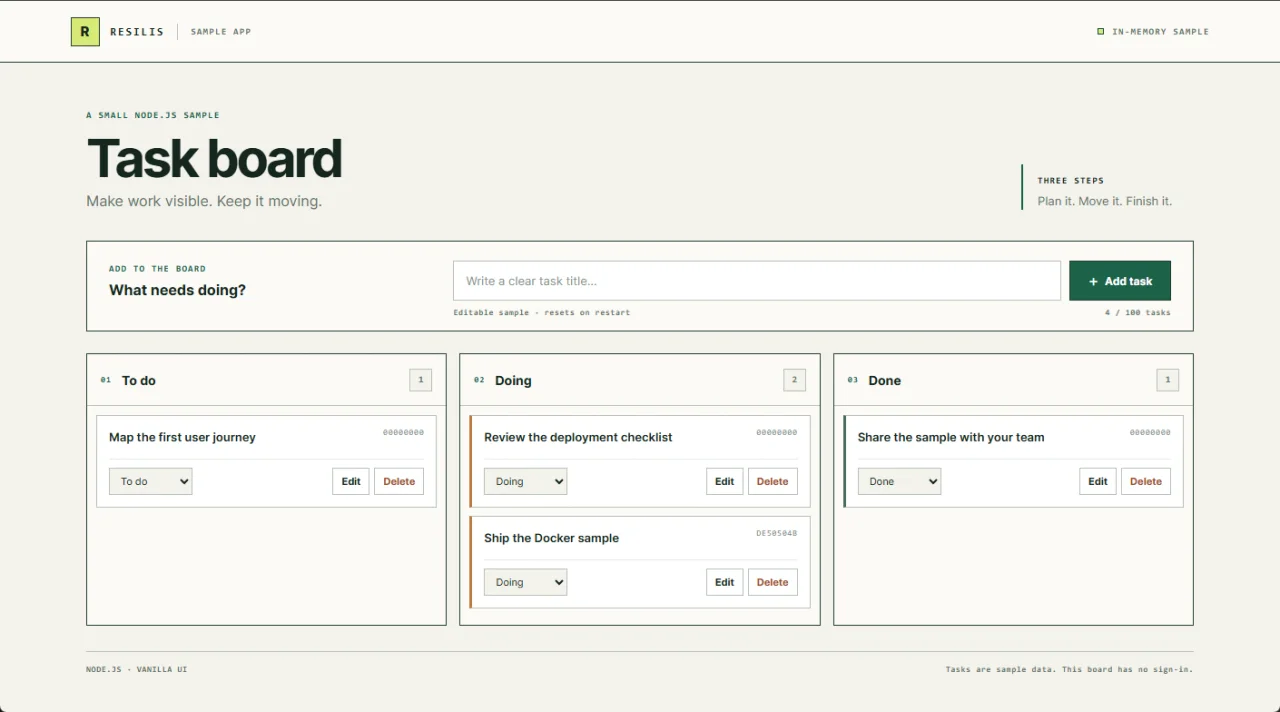
Understand restarts and read-only demos
The Dockerfile packages the app but does not make tasks persistent. This sample stores tasks in memory. Restarting or redeploying clears added tasks and restores the three starter tasks. Use the PostgreSQL sample when task data must persist.
For a shared demo, set DEMO_READ_ONLY to true after your edit checks. Turn off Redeploy current image before saving, then choose Save. Open Configuration, choose Build, and select Rebuild. Verify that GET /api/config reports read-only mode and that a write request returns HTTP 403. The shared Docker demo is already read-only.